
Photo of Alison Board

Technology in Grade 1& 2

After reading about how technology has engaged  the students in Carmen’s class, I thought about the same affect it has had on children in grade 1 & 2. The activities using media definitely developed throughout the year as the children gained confidence and skill in their use of computers (some had to learn how to move the mouse and click).

At the beginning of the year the children played educational games on the computers in the computer lab. Then we learned how to log on individually with a password (this took time). Then students wanted to create using KidPix software, so we worked our 2-D drawings for math into a computer lesson and printed off our creations to share with one another. As the year progressed, we integrated the use of video cameras to record math songs that they created. This was such a success that the children wanted to also record their “Public Service Announcements” (PSA) that they were working on. This project integrated persuasive writing, media literacy, and science.

Once the PSAs were completed there was some difficulty sharing the videos for viewing. A colleague suggested we use VoiceThread, which would enable all the videos to be downloaded to one location and would also allow the students to view and comment on each others work. There is a cost for this service ($15 for 2 months), however, it was already worth it when the children gazed in awe at themselves and their classmates. We are now in the next step of using the technology which enables the children to provide feedback to one another’s PSAs using either a voice tool or a comment box for writing.

This technology has extended the children’s learning for media literacy, adding metacognition and peer feedback. If you are interested visit Voicethread for teachers at http://voicethread.com/products/k12/.

 

Photo of Roz Geridis

Addressing Student Needs

After returning to the classroom, I have been introduced to a wonderful computer program which supports student learning. Read and Write Gold is a computer program which is used to help student read and write. Anything on the computer can be used with this program (Internet sites, email, scanned reading selections, electronic books/resources).   If you teach for the Toronto District School Board all students have access to the program through every school and the program can be downloaded on a home computer for free. Other boards may offer the same support, please check with your administration.

Read and Write Gold is a text to speech, easy to use toolbar which sits on top of any open Windows application (it also works with MAC computers). Not only is it great to help organize information for students with learning disabilities, students without learning disabilities like the structure of the program.  To give you a quick overview of the program:  the students highlight a selection to have read to them. The speed, passage, volume and voice of the reading selection is determined by the user. The students can also highlight important information using 4 different colours. The program will sort the colour coded highlights and merge (into fact folder) all highlighted information onto a word document. The program even sites the sources for the students.

You can check out the program at: http://www.pdfaloud.com/media/12742/Read%20Write%2010%20Gold%20Beginners%20Guide.pdf

I have used the program with my students for their research projects. In order to support the students with learning how to use the program, our school held an evening learning session for parents to learn how to use Read and Write Gold. At first, it wasn’t about the research, the assignment was about learning how to use the program. The students have a better understanding of gathering research and compiling it for a paper or presentation.

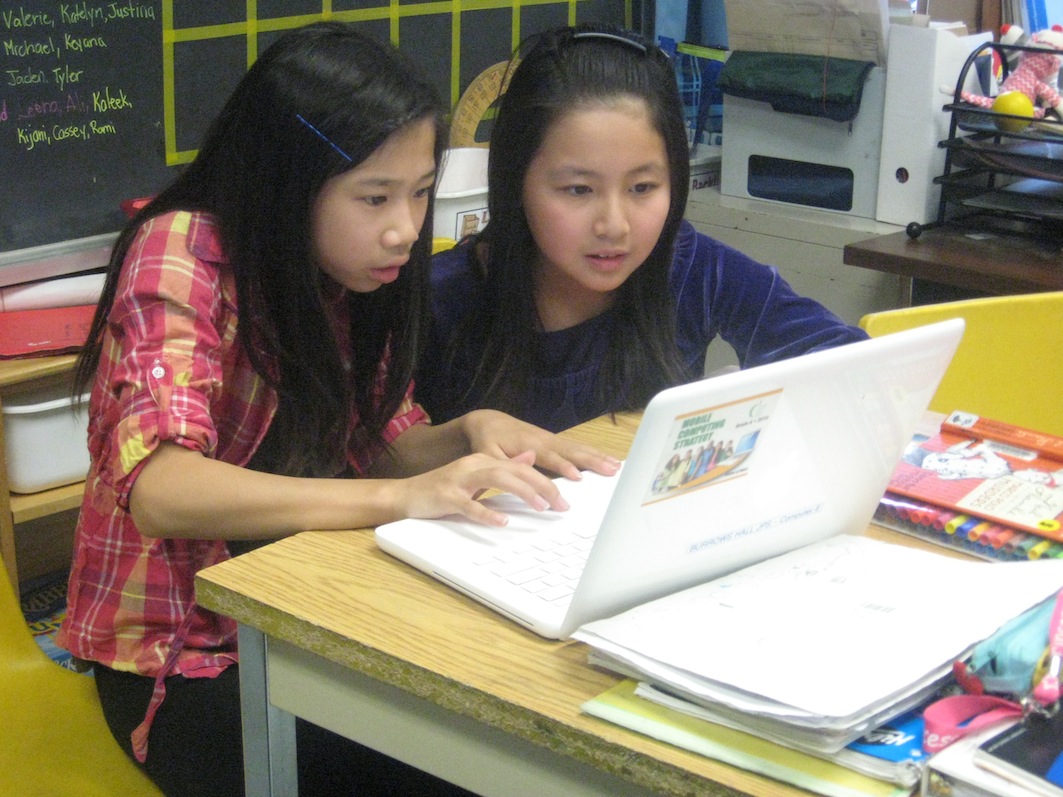
Students testing their knowledge of energy conservation by "living" in an online home and applying their learning.

Engaging and Supporting Kids Through Technology

One of my favourite moments to take in during a school day is watching kids as they become completely engaged in their learning.  I love to see their eyes light up, their facial expressions full of curiosity, and the buzz of interested voices in deep conversation.  It’s what teaching and  learning should be all about.

In our classroom, this experience often happens when kids build on and explore topics and concepts through the use of technology.  We are fortunate to have a SMART board and a set of laptops which we use on a regular basis to support our lessons.  It’s quite interesting to see the difference between how the students view and use technology now and how they did in the beginning, when everything was a novelty.  Through guided lessons on how to use technology to support our learning in constructive and meaningful ways, students moved away from simply wanting to play games to using it as a tool for research, independent reading, organizing their work, communicating with myself and their classmates, presenting projects and assignments in various creative formats, but of course, playing educational games is always an added treat!

Last week we had a metric conversion competition between each group by using an online game.  You would have thought you were watching the final of the World Cup of soccer with the cheering and excitement in the classroom.  Watching the teams work together to solve the metric conversions was a delight (they got extra points for demonstrating their cooperation skills) and I used it as an opportunity to assess their learning of the math concepts.

Using computers and laptops is just another way to add to the learning experience and it works when students become responsible for using technology at appropriate times and for appropriate reasons.  It’s not that I think we must have technology to teach engaging lessons and keep kids interested in their learning but in the reality we face today as educators, it sure is a very helpful tool!

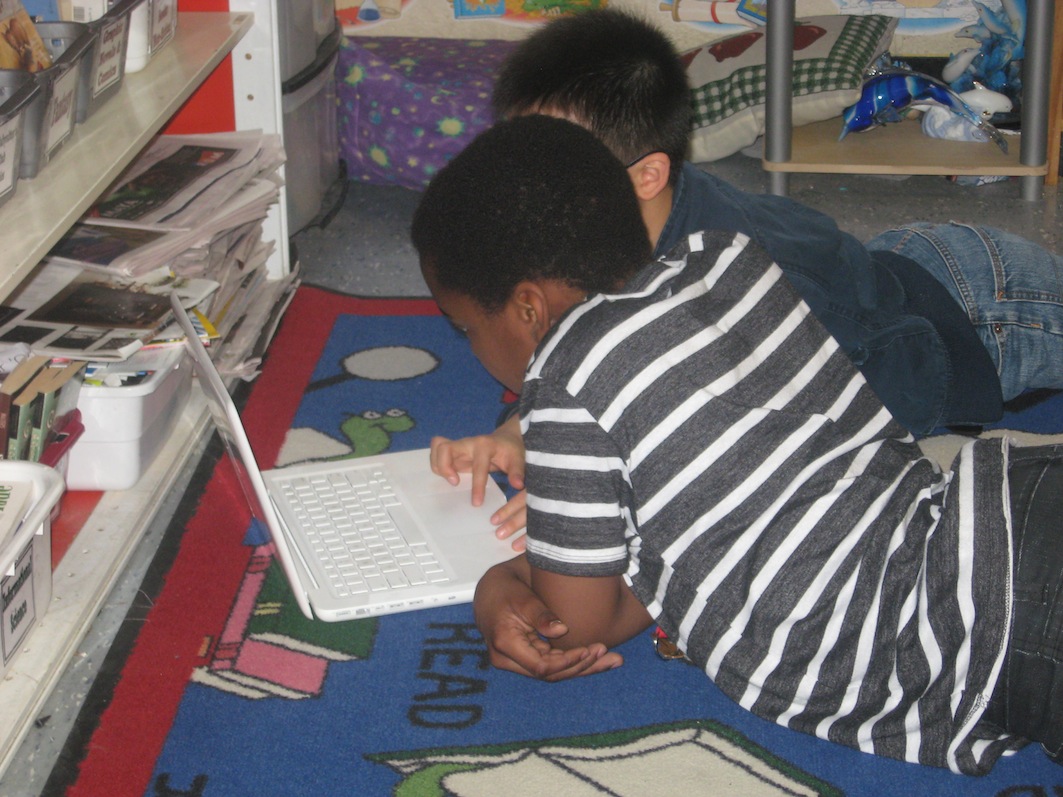
Students use a laptop to read a newspaper story and discuss their ideas and opinions through guiding questions.


Students testing their knowledge of energy conservation by "living" in an online home and applying their learning.
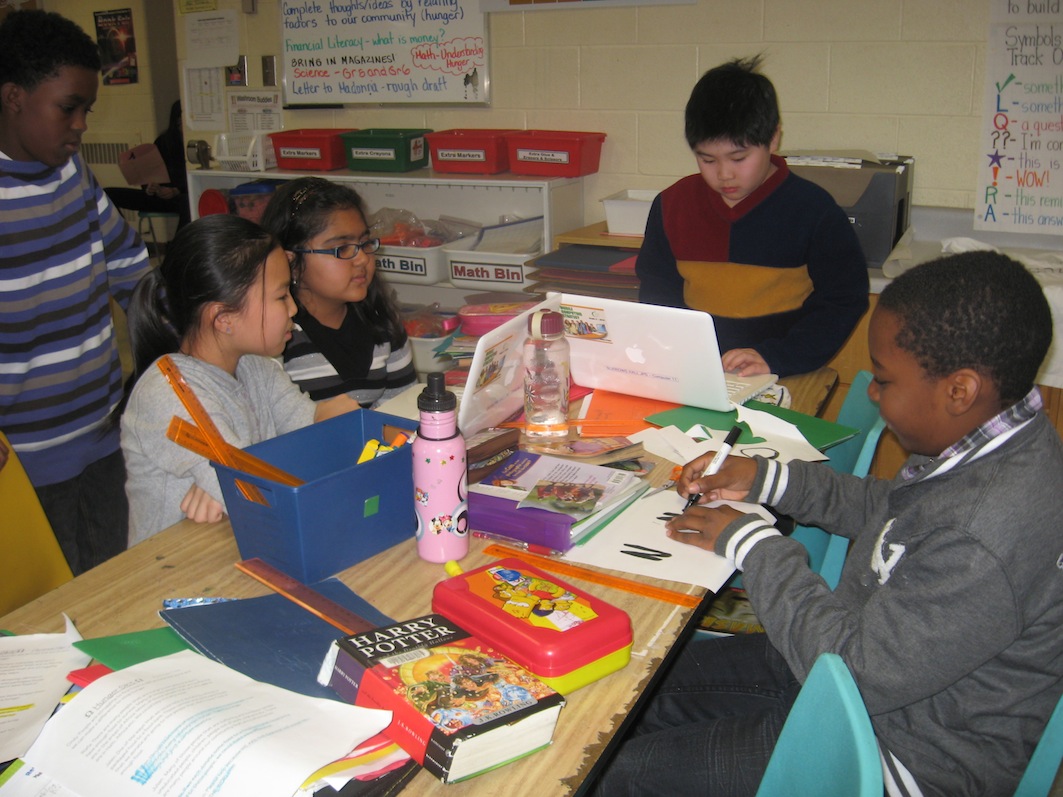
A group uses recess time (their decision!) to work on a project involving the presentation of a PSA and brochure.