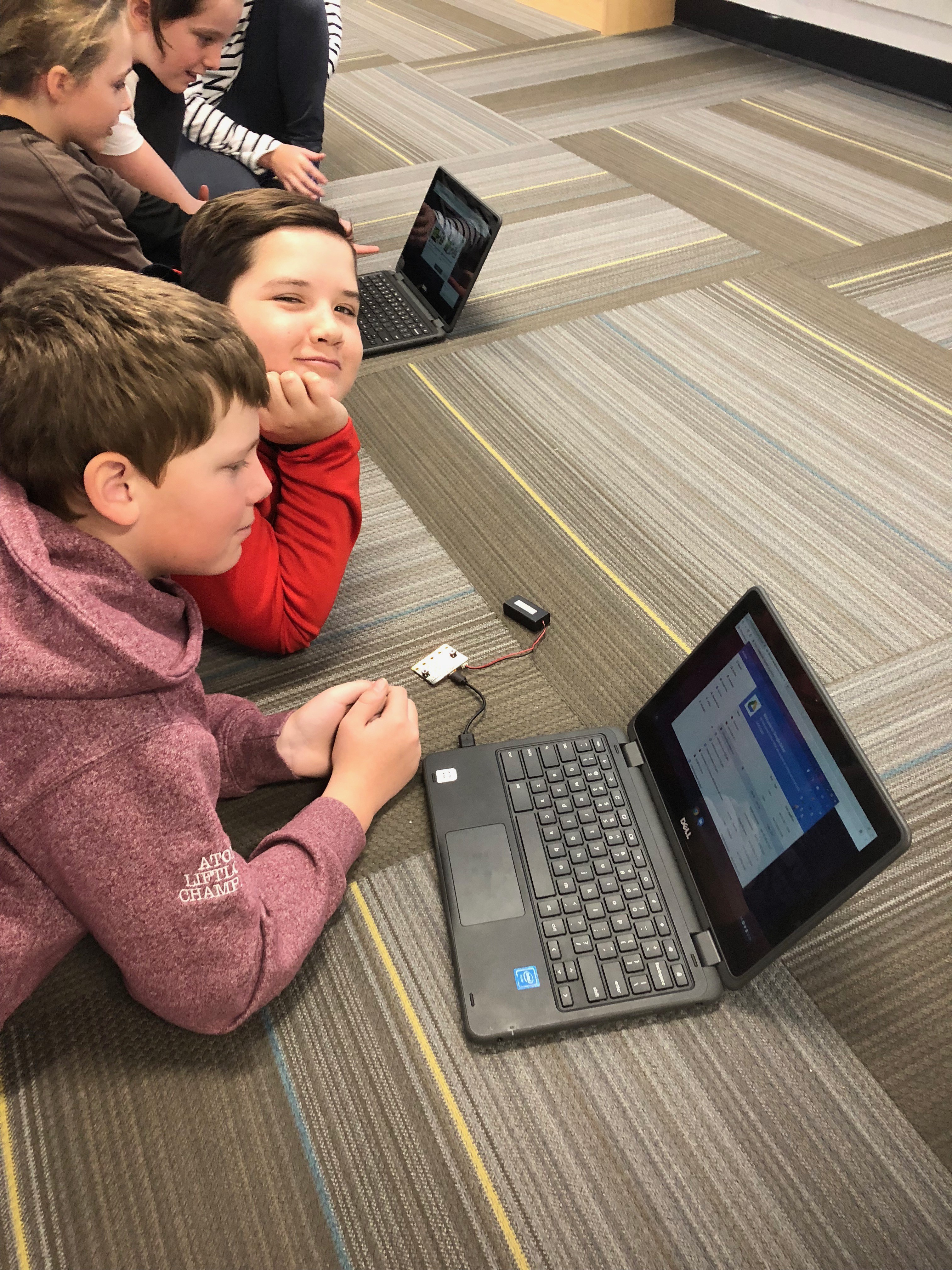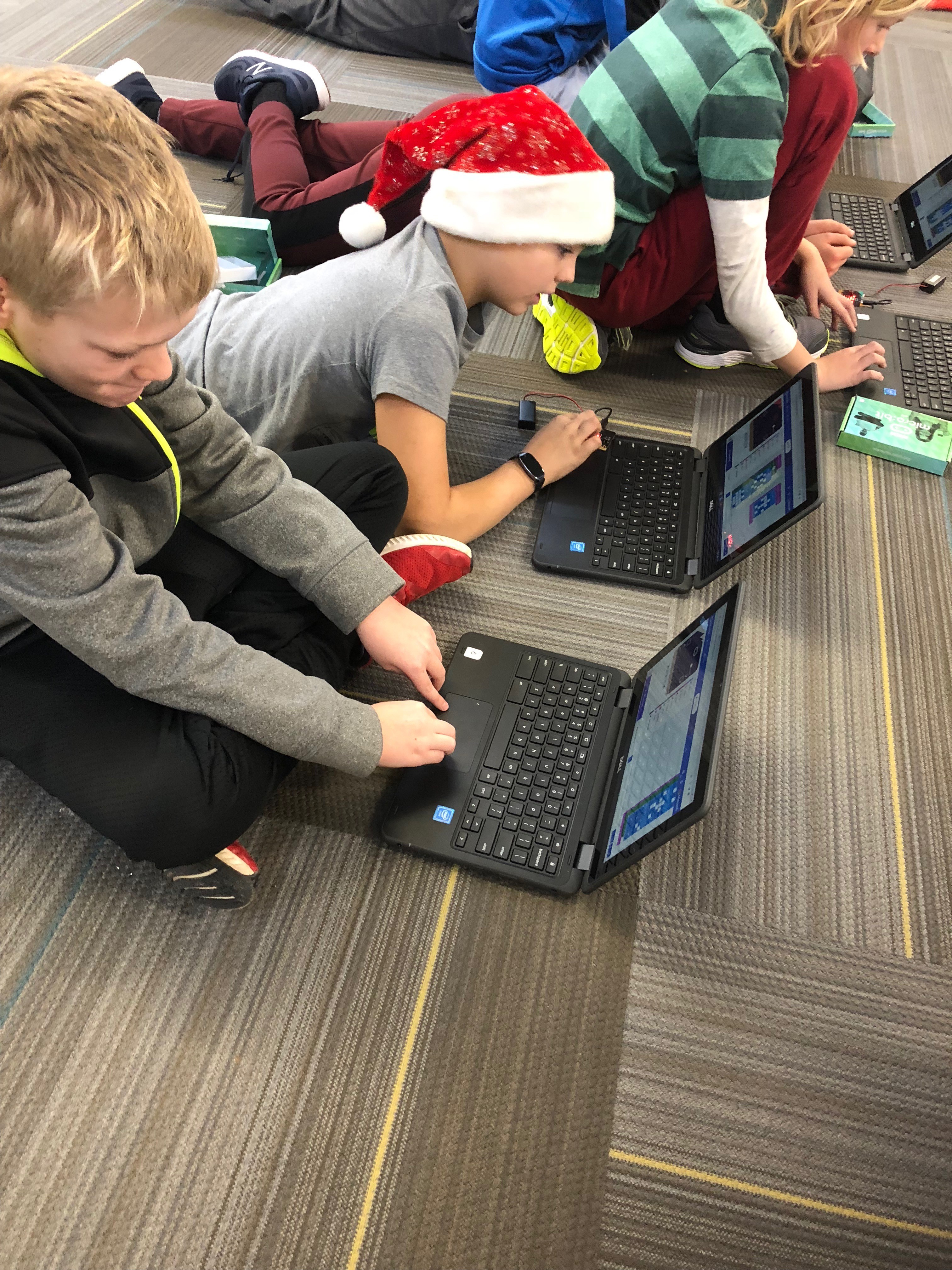
Twice I have attended the Ontario Teachers’ Federation “Pedagogy before Technology” conference in the summer. This year I attended a design workshop that the InkSmith company provided and would never have been able to predict the chain of events that would follow. In the workshop we were grouped with people at our table to come up with a design concept and present it in the manner of a “Dragon’s Den” pitch. As we discussed the concept and made diagrams on chart paper, I put the visuals together in a small Google Slide presentation and added an entertaining video. I have my drama specialist and I’m not afraid to ham it up in front of a crowd. When it came time for the presentation we wowed the InkSmith team and ended up presenting to the entire group. We then went to lunch and I didn’t really think too much more about it. However, because I had so loudly and visibly put myself out there in an entertaining way, I was contacted by the team at InkSmith and then connected with kidscodejeunesse team. Kids Code is a federally funded program that helps students learn to code. They provide free workshops to classrooms across the country using handheld, programmable micro-computers called micro:bits. The coding program is web based and is in the blockly format but can also be switched to html for more advanced coders. When a workshop is provided to a classroom, the teacher is provided with ten microbits for the class to use and keep. You can visit the website kidscodejeunesse to sign up for a workshop for your classroom.
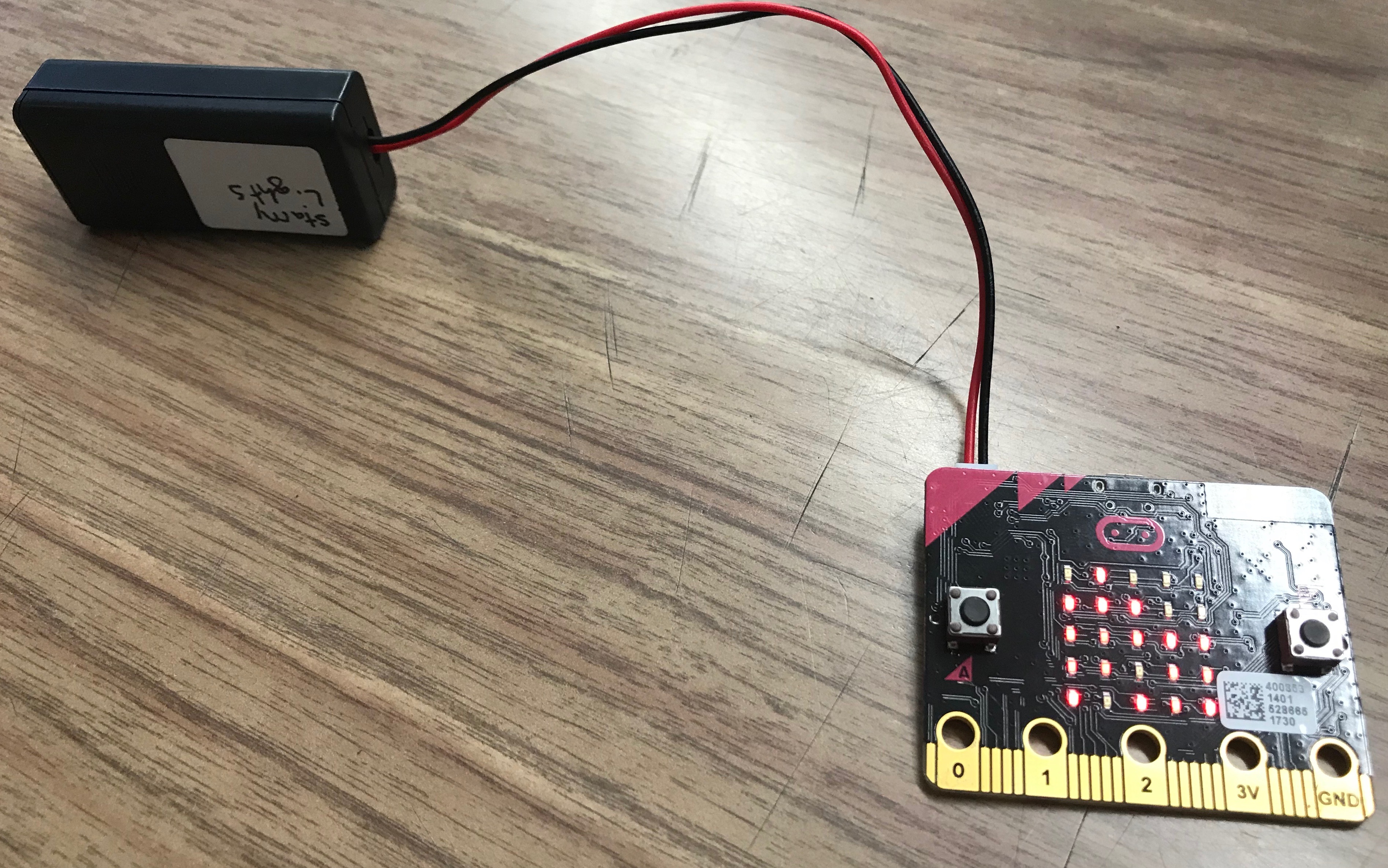
This is the microbit connected to a battery pack.
Kids Code Jeunesse provided me with training and as part of my job as an innovations consultant, I now go into classrooms within my school board to deliver workshops to students. The only coding that I had done up to this point was with Spheros and Ozobots which was quite rudimentary. I am now immersed into the coding culture. Which means that sometimes my kitchen counter looks like this:
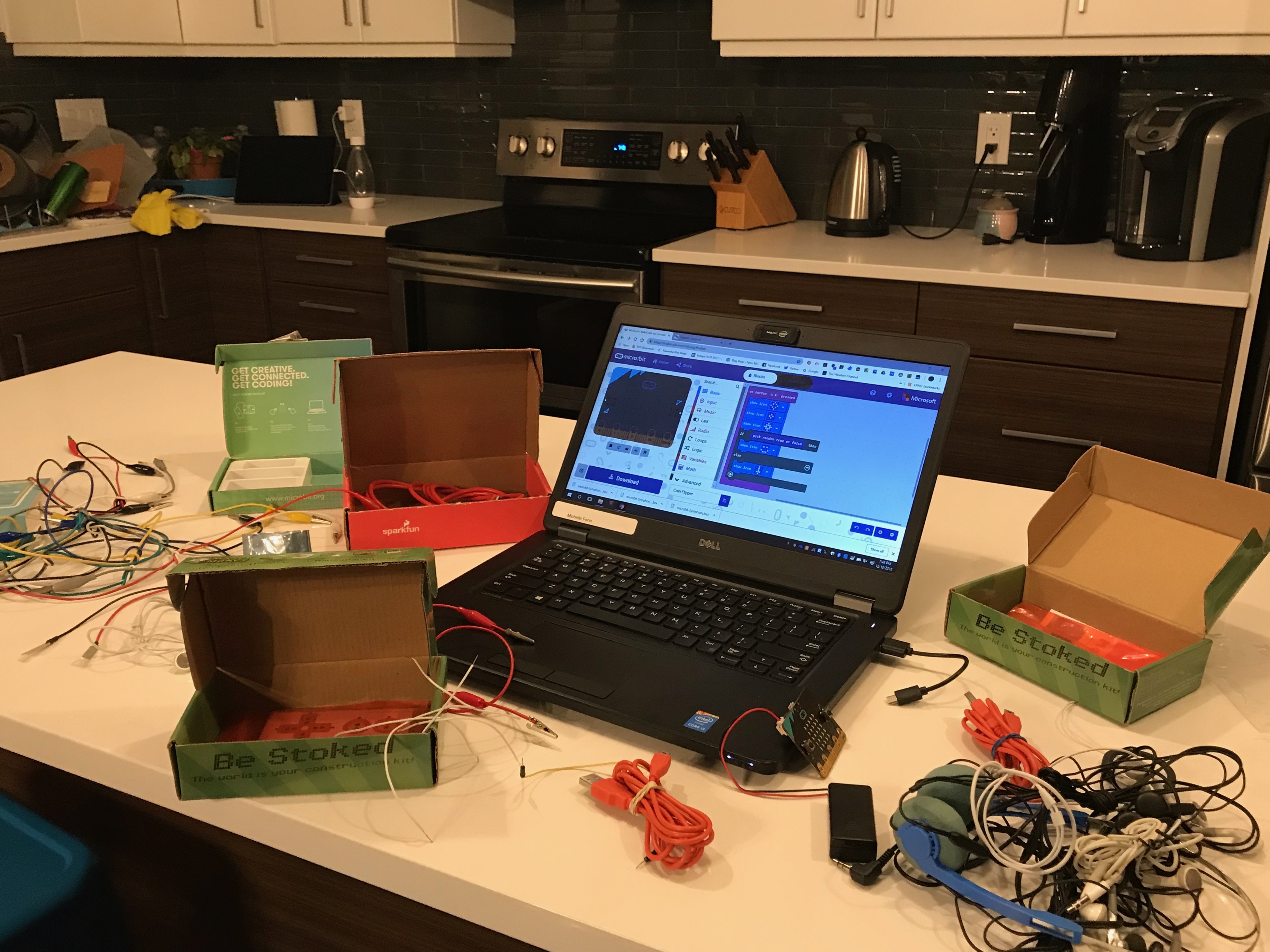 It was a little out of my comfort zone to be sure. As I have gone into classrooms I have admitted to students that I’m not an expert on microbit technology and I have learned from some of the students that have been engaged in complex coding on their own time. With a quick conversation with the classroom teacher I can usually make some decisions around differentiating the program to keep students engaged.
You might be wondering what it is these little computers can do. The LED lights on the front can be programmed to light up in patterns which create animations. Students can create dice or rock, paper, scissors games and with a few alligator clips and a small speaker or headphones, microbits can be programmed to create music. With a little innovation and some adaptation it can be programmed to water plants automatically or become a pedometer. It can also be paired with a robot called K8 which can be purchased from Inksmith and assembled. The microbit website itself is where the coding takes place and it has easy to follow tutorials and ideas for projects to code.
The initial workshop is only the beginning. The only limit to these little computers is the limits of your student’s imagination. Microbits would be incredibly useful in a maker space or genius hour environment. The students develop design and critical thinking skills and problem solving techniques as they create and de-bug programs. It is an amazing way to introduce coding to students-especially if you are a teacher who is brand new to coding. Be warned: coding is extremely engaging and you and your students may have an inordinate amount of fun while learning.